
Alvynn casino does not have a separate App Store or Google Play download; instead it installs as a home-screen app straight from the mobile browser, and adding it credits a 15 free-spin install reward. The installed app opens the full platform - all 12,650 games, live casino, the sportsbook, the cashier and every bonus - with the same layout as desktop, automatic updates and no storage-heavy download to manage.
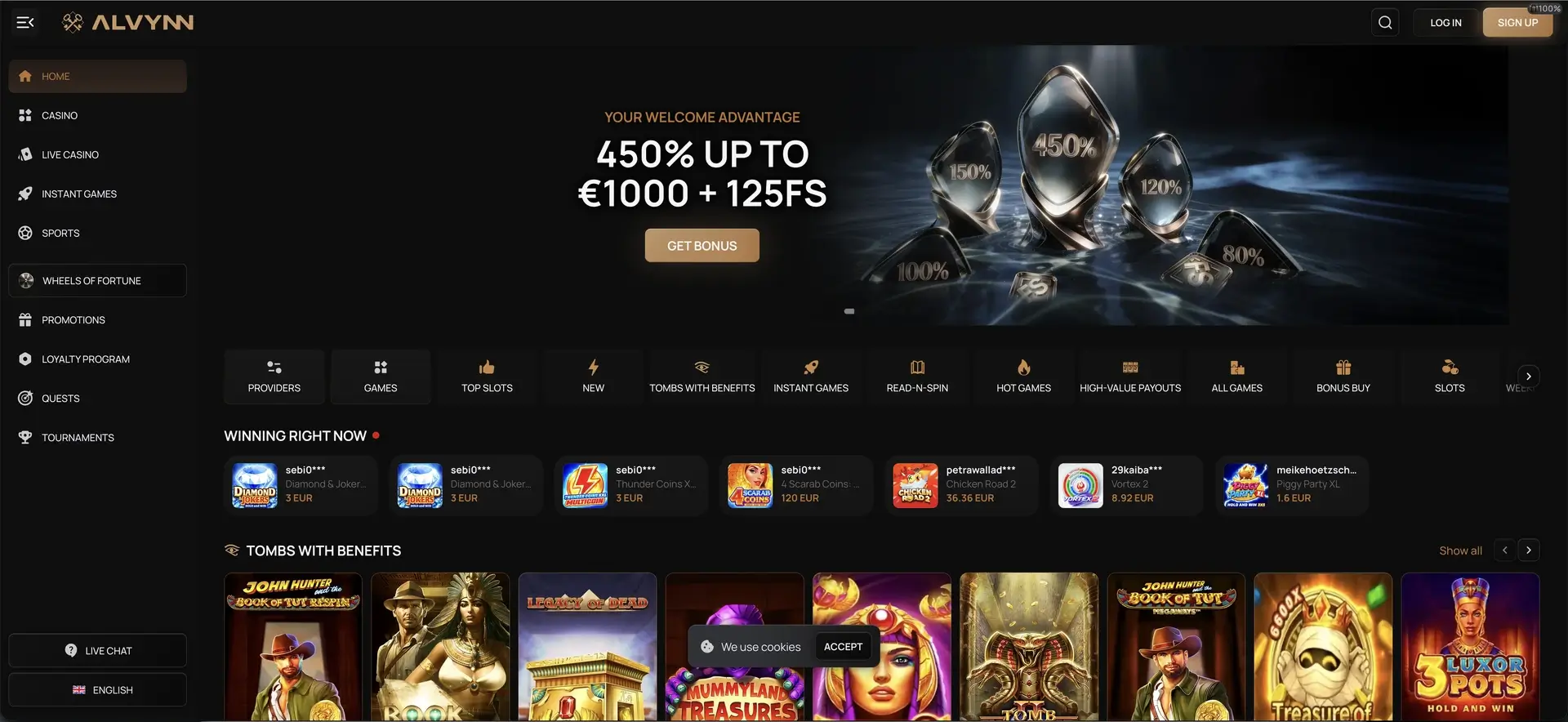
This guide explains how to add the Alvynn casino app to an iPhone or Android phone, how to claim the 15 free spins, what works on mobile, and how CAD deposits, withdrawals and verification are handled on a small screen.
The table below sums up mobile access at a glance.
| Mobile access | Details |
|---|---|
| Download required | No - installs from the browser as a home-screen app |
| iOS access | Safari, Chrome or Firefox - full support |
| Android access | Chrome, Firefox or any modern browser |
| Install reward | 15 free spins |
| Game catalogue | 12,650 titles - identical to desktop |
| CAD payments | Full cashier available on mobile |
| Live casino & sports | Streamed and playable on mobile |
| Security | SSL encryption - same as desktop |
| Updates | Automatic - nothing to update manually |
Is there an Alvynn casino app for Android or iOS?
There is no native app to download from the App Store or Google Play. Alvynn casino is built as a web app that runs in any mobile browser and can be pinned to the home screen, where it opens like an installed app. This approach means the mobile version always matches the live site, updates on its own, and takes up almost no device storage, while still giving access to the whole catalogue.
How to install the Alvynn casino app
Adding Alvynn casino to the home screen takes under a minute and unlocks the 15 free-spin install reward. The steps differ slightly between iPhone and Android, so both are covered below.
iOS (Safari)
- Open alvynn.com in Safari on your iPhone or iPad.
- Tap the Share icon at the bottom of the screen (the square with an arrow).
- Scroll the share sheet and tap Add to Home Screen.
- Confirm the name and tap Add.
- The Alvynn icon appears on your home screen and opens the casino directly.
Android (Chrome)
- Open alvynn.com in Chrome on your Android device.
- Tap the three-dot menu in the top-right corner.
- Tap Add to Home screen or Install app.
- Confirm to place the icon on your home screen.
- Tap the icon to launch the casino in full-screen mode.
15 free spins install bonus
Installing the app is one of the two no-deposit rewards Alvynn casino runs. Once the app is added, the 15 free spins are credited from the promotions area, alongside the separate 15 free spins for confirming an email. Both carry standard wagering terms shown on the promotions page, so those are worth reading before playing the spins.
Features available on mobile
The mobile app is a full version of the site rather than a cut-down one. Everything below is available on a phone.
- Full lobby: all 12,650 games, searchable and filtered by shelf and studio.
- Live casino: real-dealer roulette, tables and game shows from Evolution, Pragmatic Live and Ezugi.
- Sportsbook: pre-match and live betting with the Turbo Combo builder.
- Cashier: CAD and crypto deposits and withdrawals from the Wallet page.
- Bonuses: the welcome package, reloads, Wheel of Fortune, Quests and loyalty progress.
Performance on mobile
Because the app mirrors the live site, it inherits the same responsive build rather than a separate mobile version that can fall behind. Games are designed to scale to the screen with touch controls, live streams run in portrait or landscape, and the cashier and bonus pages behave exactly as they do on desktop. Keeping the browser updated and using a stable connection gives the smoothest play, especially for live tables.
Mobile payments and withdrawals in CAD
The full cashier is available in the app, so deposits and withdrawals do not require switching to a computer. Deposits are instant, and the supported methods are the same across devices.
- Visa and Mastercard for instant card deposits.
- Bank Transfer for larger transactions.
- Bitcoin and Tether (USDT) for fast crypto deposits and withdrawals.
Withdrawals process in one to two days for cards and bank transfer, and in minutes to a few hours for crypto, with a CAD 15 minimum and the same monthly limits as desktop.
Security and verification on mobile
The app uses the same SSL encryption as the desktop site, and identity verification (KYC) is handled from the account area on mobile. Documents can be photographed and uploaded directly from the phone.
- A government photo ID.
- Proof of address, such as a utility bill or bank statement.
- Occasionally a selfie or a short verification call before a first payout.
Alvynn casino app FAQ
The answers below cover the questions players ask most about the Alvynn casino app.
Does Alvynn casino have an app?
Not as a native store download. Alvynn casino installs as a home-screen web app from the browser on iOS and Android, and installing it unlocks 15 free spins.
How do I install the Alvynn casino app?
On iPhone, open alvynn.com in Safari, tap Share, then "Add to Home Screen". On Android, open the site in Chrome, tap the three-dot menu, then "Add to Home screen" or "Install app".
Is the Alvynn casino app free?
Yes. Installing the home-screen app is free, takes up minimal storage, and adds a 15 free-spin reward.
Can I deposit and withdraw in the app?
Yes. The full cashier is available on mobile, with Visa, Mastercard, bank transfer, Bitcoin and Tether for CAD and crypto transactions.
Are all games available on the Alvynn casino app?
Yes. The app opens the complete 12,650-game catalogue, live casino and sportsbook - the same content as desktop.